On this page
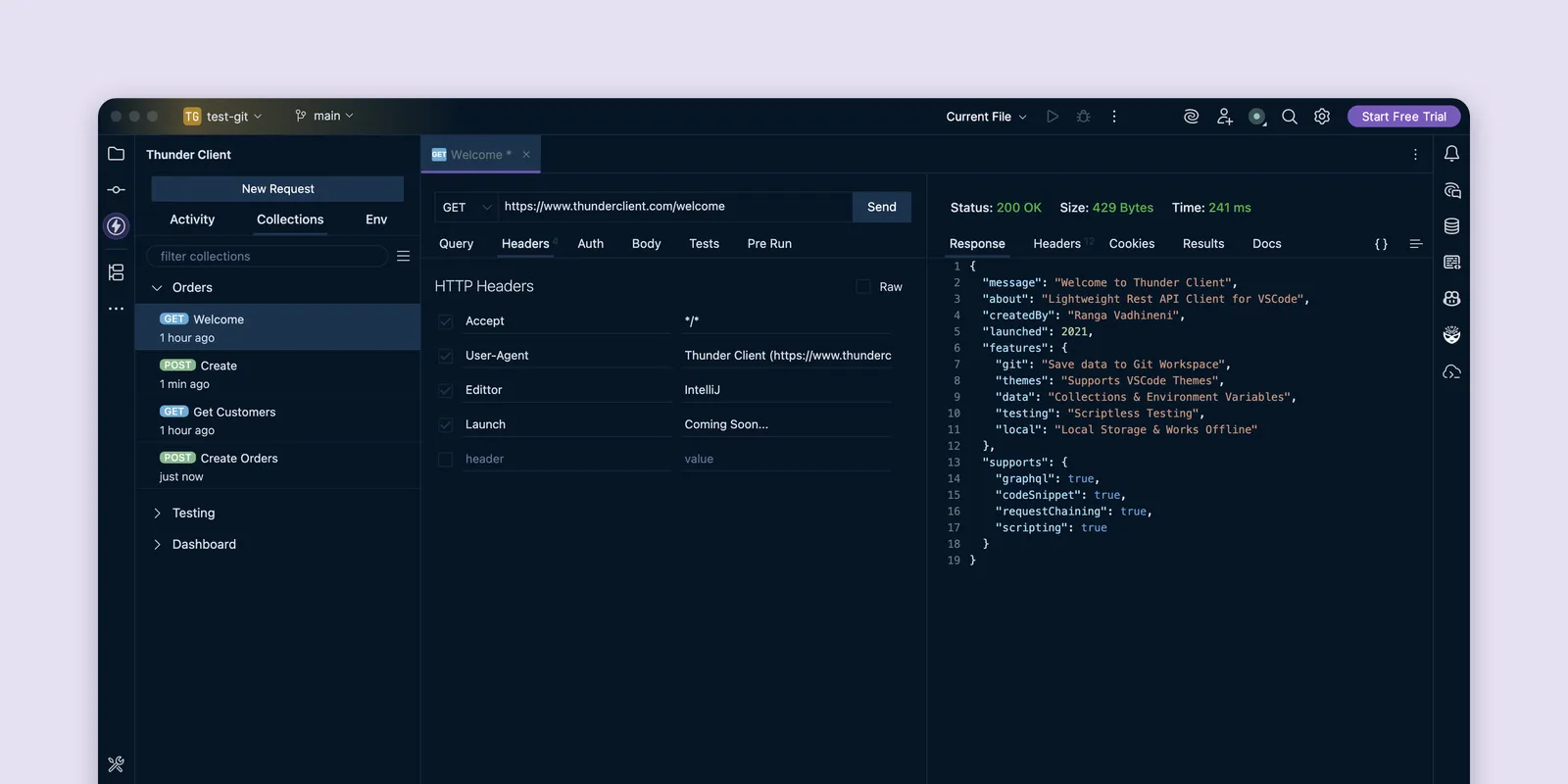
We’re excited to announce the release of Thunder Client for JetBrains. The lightweight REST API client you know from VS Code now runs in IntelliJ IDEA, WebStorm, PyCharm and other JetBrains IDEs, so you can test APIs without leaving your editor.
Download: Thunder Client on the JetBrains Marketplace
A familiar experience
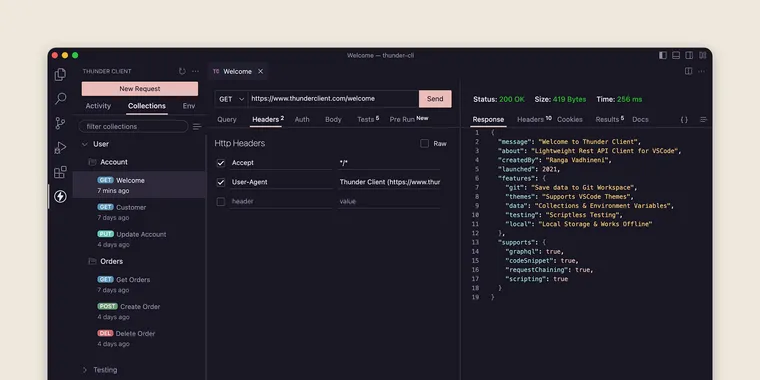
The plugin’s UI closely matches our VS Code extension, so there’s nothing new to learn. If you’ve used Thunder Client before, you’ll feel right at home.
Features
The JetBrains plugin supports most of the features of the VS Code extension, including:
- Collections for organizing requests
- Environments for managing variables
- Scripting for advanced workflows
- Code snippets for generating code from your requests
…and more.
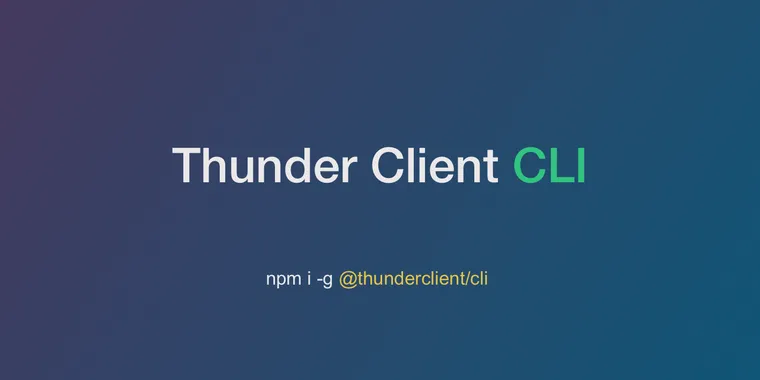
The plugin also works with the Thunder Client CLI, so you can run the same requests and collections from the terminal or in your CI pipeline. Install it with npm i -g @thunderclient/cli, and the plugin detects it automatically. For the full setup, see CLI with JetBrains.
Supported IDEs
The plugin works in IntelliJ-based IDEs, from Java and Kotlin to Python and .NET:
- IntelliJ IDEA
- WebStorm
- PyCharm
- Rider
- GoLand, RustRover and other IntelliJ-based IDEs
Get started
- Install the plugin from the JetBrains Marketplace, or search for Thunder Client under Settings → Plugins in your IDE.
- Create a free account at thunderclient.com.
Share your feedback
Your feedback helps shape what we build next. If you have questions or ideas, contact us. To report a bug, open an issue on GitHub.
Try it on your own API
Thunder Client is a lightweight API client that lives inside VS Code and JetBrains IDEs.